BV55L Black 6-Seat Electric Cart
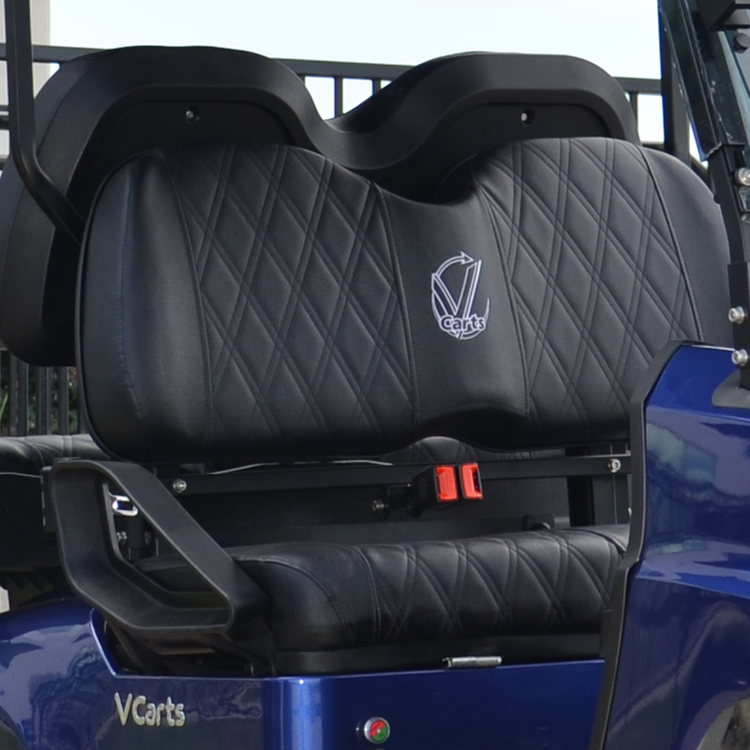
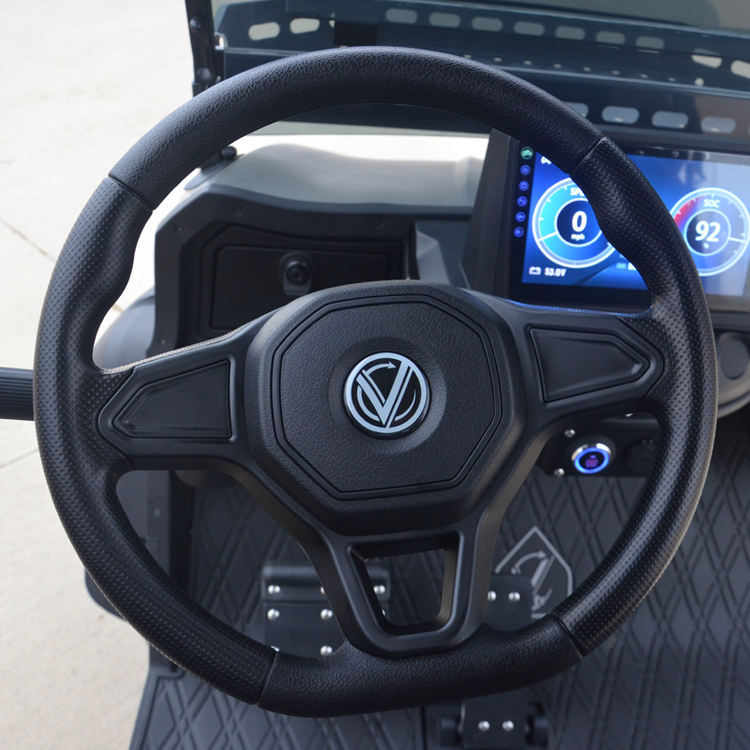
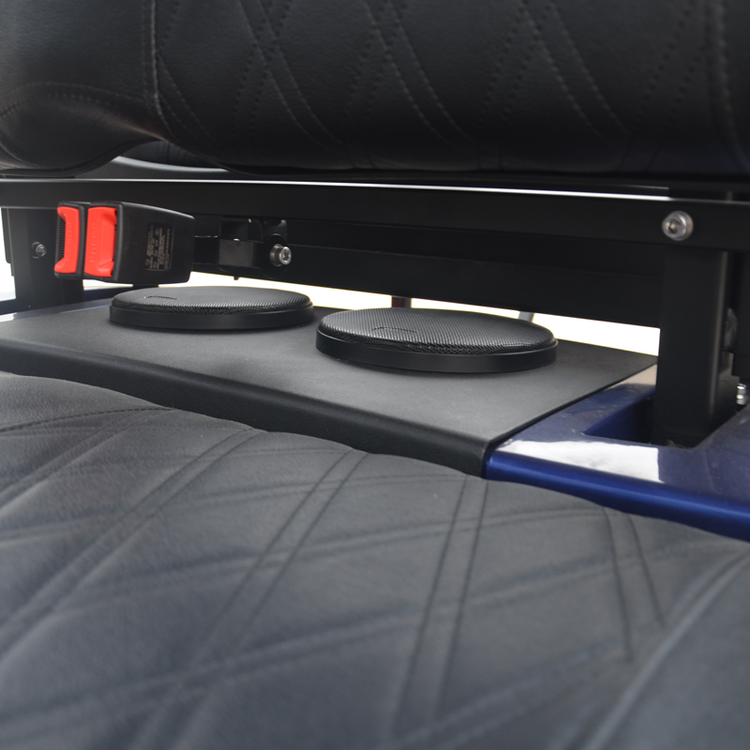
Black 6 seat VCarts E-Series lithium electric LSV with an 11 inch touchscreen, Apple CarPlay and Android Auto, 3 point belts at every seat, party lights and premium Bluetooth sound. Licensed for public roads throughout Okaloosa and Walton Counties.
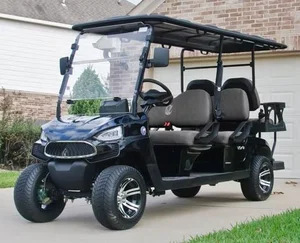
Unit BV55L. Match the windshield number before you unlock anything.
01
Getting the key
Lockbox codes go only to verified drivers on the signed rental agreement. If your code didn't arrive, ask your group's primary driver, we can't reissue to anyone outside the agreement.
Primary drivers: your code was sent twice, at booking start by text and email, and again the night before by email. Check spam if you're missing the latest copy.
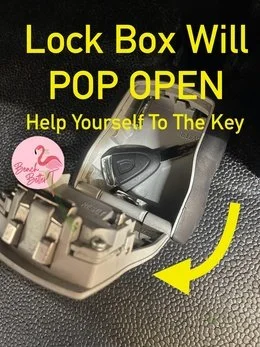
- Lift the middle row seat at the armrest. The lockbox is mounted alongside the battery, just below the bench.
- Set the 4 digits, then slide the black tab downward. Lid pops up. Key's inside.


02
Charging the cart
Plug in every night on a standard outdoor outlet, no special equipment, just the cord we provide. The touchscreen shows your battery percentage anytime you want a status check.
Finding the charge port
Driver's side, behind a small black flap. Flip the flap up, plug in.
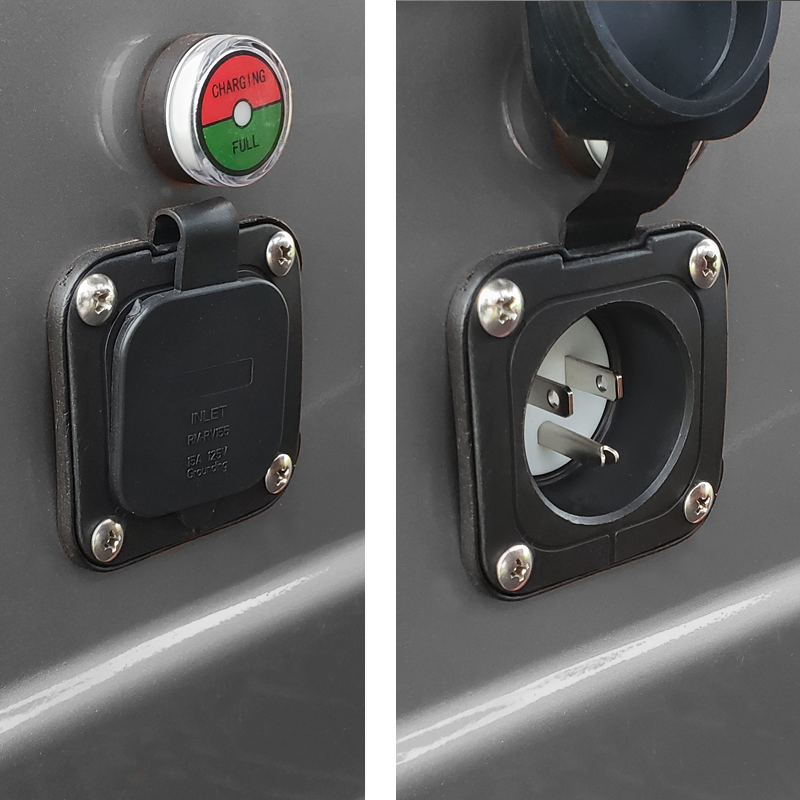
The dial above the port tells you when it's done
A small two-tone gauge sits above the port. Red = CHARGING. Green = FULL.


Always wait for green. Pulling the cord while the pointer is still on red means starting tomorrow under 100%.
Cord test: Both ends of the extension cord should glow when plugged in. If they're dark, the outlet's probably tripped. Try a different circuit before assuming the cart is the problem.
Charging habits that protect your trip
- Plug in nightly. Every night, no exceptions.
- One cart per outlet. Two carts on the same circuit will trip the breaker.
- Older buildings need a dedicated circuit. Unplug the coffee maker and TV before plugging in the cart.
- Cord rides with you. Don't leave it at the property. If the battery runs low away from home, you'll need the cord.
- 12-gauge, outdoor-rated cord only. Lighter cords overheat and can fail.
The 50% rule: Below half charge, the battery drops noticeably faster than the top half drops. Treat 50% as your "head home" floor.
03
Reading the battery on the touchscreen
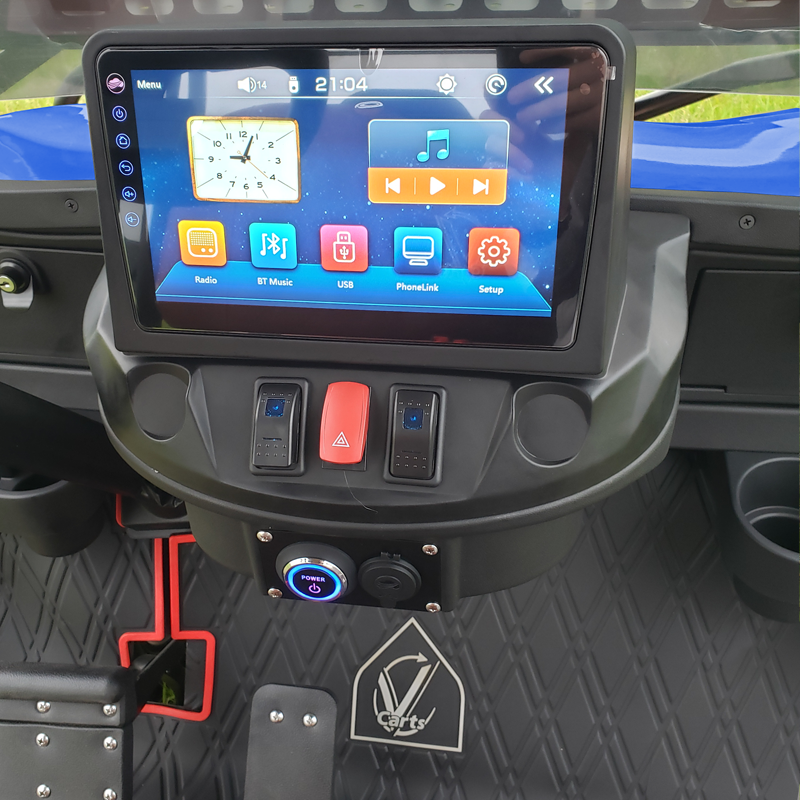
Look at the display above the steering wheel. The number labeled SOC (State of Charge) is your battery percentage in real time. 99% reads as full.

04
Bluetooth audio & touchscreen
The touchscreen above the steering wheel is wired for Apple CarPlay and Android Auto. Turn the key to ON, open Bluetooth on your phone, pick the cart's speaker name, music streams through the cabin speakers and your phone mirrors to the dash.
05
Glow lights
Start the cart (key in ignition, dashboard lit), grab the silver remote tethered to the dash by cord, and press Power.
Mode: cycle through solid, running effects, pulse, scan, strobe, fade, S.O.S., music-reactive, voice-reactive.
Color: red, hot pink, pink, purple, orange, yellow, green, teal, blue, white, color cycle, color fade.
Speed: five speed levels for whichever effect you've picked.
If the lights won't come on: Look low on the dashboard for a black switch with a blue indicator light. Flip it to ON. Still nothing? Verify the ignition key is turned (dash should be lit). Leave the other toggle switches alone.
06
Apple AirTag, on every cart
Every Beach Better rental carries an installed Apple AirTag that can't be removed. It's there so we can locate and help you faster when something needs help. Each cart has its own ID number on the windshield, if your iPhone surfaces an AirTag notification, that number lets you confirm the alert came from our vehicle and not someone else's.
07
What's included
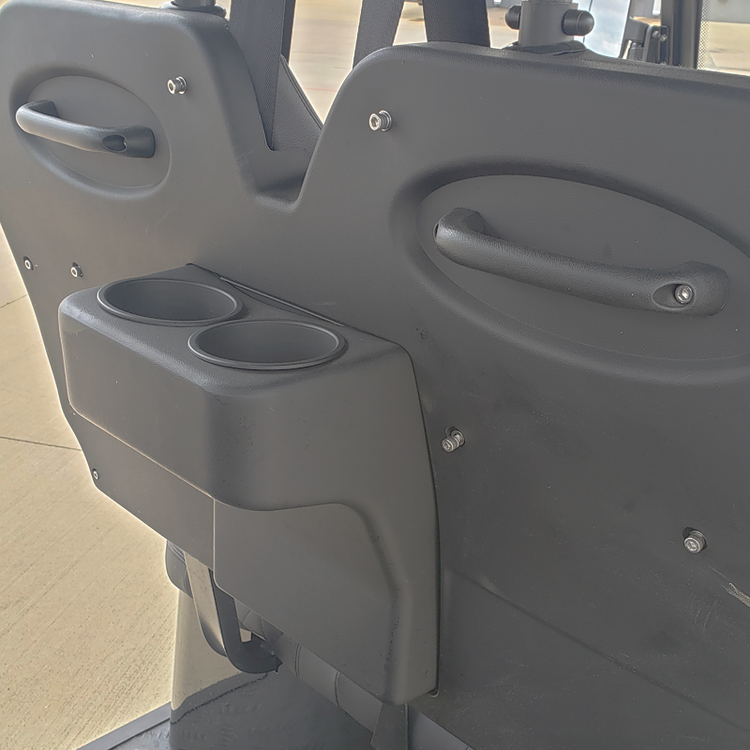
The cart comes ready to drive, nothing's an upgrade tier.
08
Driver requirements & rules
- Drivers must be 22 or older. Valid driver's license required, plus personal auto insurance that covers LSV operation.
- Two drivers included on every booking. Each additional driver is $15 and signs the agreement online.
- Lockable storage box add-on. $6.50/day. Add it online without coming to the store.
- No lap riders, including infants. Every passenger gets a seat and a belt.
- Accidents on public roads call 911. Florida law requires a crash report when property damage exceeds $500.
- Roads only. Public roads posted 35 mph or less, Scenic Gulf Drive, 30A, neighborhood streets. Never the beach, sidewalks, or Emerald Coast Parkway (Business 98).
- Se habla espanol.
09
When your rental begins
The cart will be clean and ready by your reservation start time. If it's ready earlier, we'll send a heads-up so you can get rolling.
Delivery rental? Because of how many deliveries we run daily, the cart may arrive earlier than your scheduled window. When that happens, you're welcome to start using it right away.
We can't hold delivery to match a property manager's preferred window. When that comes up, we park the cart neatly to the side, out of the way.
10
When you're done
- Key back in the lockbox. Set it inside, close the lid, scramble the digits.
- Text us when it's ready. (850) 830-4699. We'll come at the end of your rental window or shortly after, depending on the route.
11
Common questions
Does a black golf cart get hot in the Florida sun?
A black exterior absorbs more solar heat than a lighter color, so the cabin and seats run noticeably warmer on hot summer afternoons. The cart has a full roof for shade, premium seating that stays cooler than bare vinyl, and the open-air design keeps airflow moving once you're rolling. For the most comfortable rides, lean into mornings and golden hour, park in shade when possible, and give the cart a couple of minutes to vent before climbing in mid-day.
How do I connect my phone to Apple CarPlay or Android Auto in the cart?
Turn the ignition key to ON to power the dashboard. For music and calls through the cabin speakers, open Bluetooth on your phone and select the cart's speaker name when it appears. For full Apple CarPlay or Android Auto mirroring on the touchscreen, plug your phone into the USB port at the dash with a Lightning or USB-C cable, the screen will surface CarPlay or Android Auto automatically. From there: maps, music, calls, podcasts, hands-free.
What's the difference between a Low Speed Vehicle (LSV) and a regular golf cart?
A Low Speed Vehicle is a street-legal vehicle registered with the state. It carries a Florida license plate, VIN, headlights, taillights, turn signals, mirrors, and a 3-point seat belt at every seat, and is legally allowed on public roads posted 35 mph or less. A standard golf cart has none of those. It's not registered, has no plate, no street-legal equipment, and can only be used on private property or inside a community. Every Beach Better rental is a registered LSV with a Florida plate.
Are children allowed to ride in a Beach Better golf cart rental?
Yes, with rules. Every passenger, including children, gets their own seat and their own belt. No lap-sitting, no shared belts, no exceptions for infants. Florida law requires car seats or boosters for children under five, same as in a regular vehicle. Beach Better policy and Florida law prohibit transporting a child under three without a properly installed car seat, a violation results in immediate cart confiscation with no refund.
12
Troubleshooting
Cart isn't charging
If the extension cord ends aren't lit, start with the breaker, a tripped GFI is the cause about nine times out of ten. Reset, replug, retry. If the breaker checks out but the cart still isn't charging, unplug, count to 30, plug back in. Charging more than one cart? Each needs its own outlet on its own circuit.
Cart won't power up or move
Check the tow switch first. It must be on RUN, not TOW. It's near the battery under the seat, or front passenger side near the glovebox. Then turn the ignition key two clicks clockwise, first click lights the dash, second click wakes the cart.
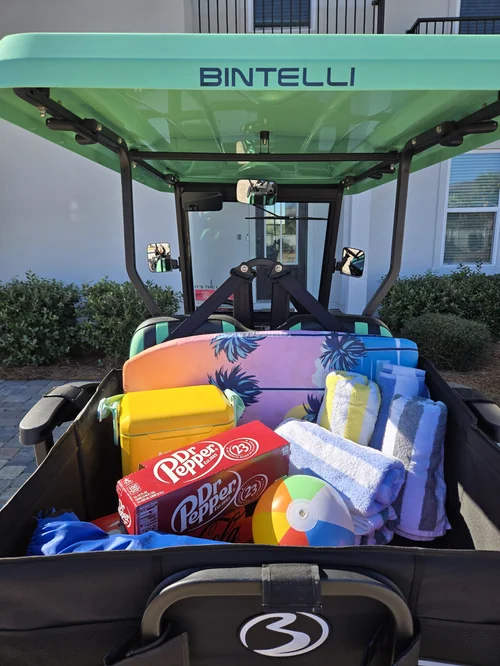 Add On
Add A Storage Box
Cooler, towels and chairs off laps and locked in back. Add it online before pickup.
Add Storage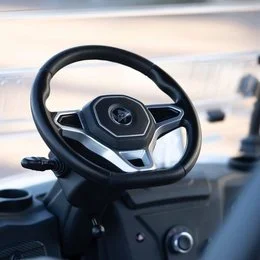 Add On
Add A Driver
Two are included. Anyone else is $15 and e-signs online before they take the wheel.
Add DriverText (850) 830-4699 with any question before you drive. We are at 76 N Holiday Rd, Miramar Beach, FL 32550, next to the Cumberland gas station, and at Rentals@alwaysbeachbetter.com.